



Pre-Chanukah Guitar Giveaway — Ends December 14 (Day 1 of Chanukah).

Turn Blank Pages into Beautiful Designs

Learn how to turn your blank pages into polished flyers, ads, books and booklets using Adobe InDesign with confidence.

This course is for you if…

You are working in a school or office and want your pages to look more polished and professional?

You are a creative who loves design and wants to learn how to create eye-catching page layouts?

You mastered Photoshop or Illustrator. Now, build print-ready layouts with Adobe InDesign.

What’s covered in the course?

1. Getting comfortable with InDesign

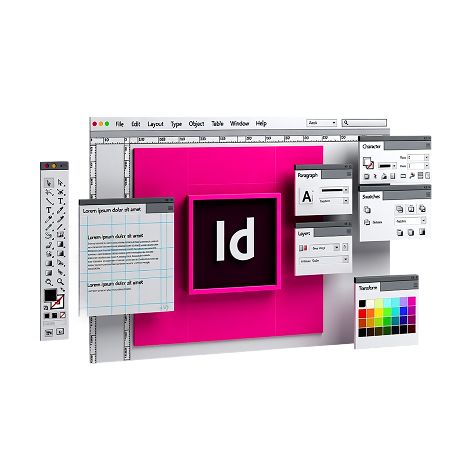
First, we'll learn our way around the program. Where things are, how pages work, and how to start building layouts so you don't feel stuck wondering where to begin.

2. Working with text and images together

Then we'll tackle paragraphs, spacing, and layout, and how to place text and images so a page feels organized and easy to read.

3. What makes a page actually look good

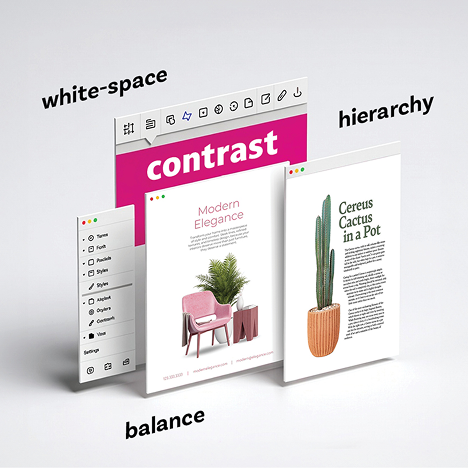
Next, you'll learn the design principles that make pages feel clean and pleasant to look at. Things like margins, spacing, alignment, and hierarchy. Small details that make a big difference.

4. Designing real projects

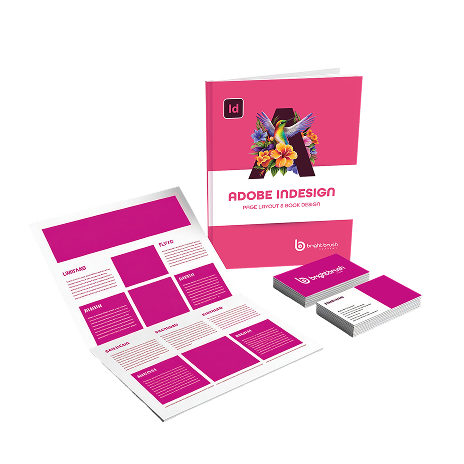
 As you advance through the course, you'll create flyers, ads, brochures, menus, business cards, catalogs, booklets, and even cookbooks so you're always practicing what you learn.

5. Saving and sharing your files

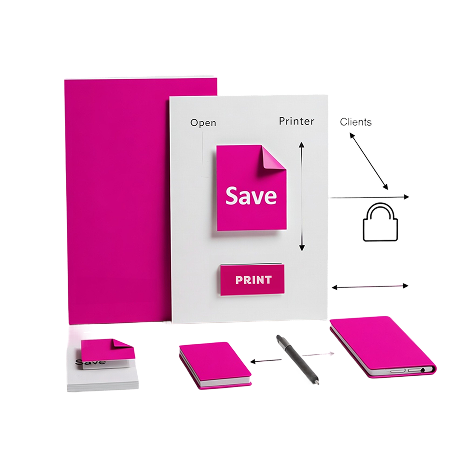
You'll learn how to save your work properly and how to share files with clients and printers so everything opens correctly and prints exactly the way you designed it.

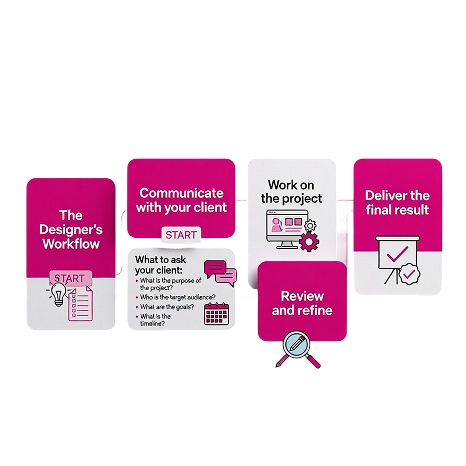
6. The Designer's Workflow

You'll learn how to start a project, what information to ask for, and how to communicate clearly with clients so the design moves smoothly from the first idea to the final result.

A Clear, 3-Part Learning Path

This course is divided into three parts

1. InDesign Essentials

In part one of the course, you’ll learn how to use Adobe InDesign comfortably, from setting up documents to creating ads, book covers, and more.
2. Practical Design Theory and Tips

In part two of the course, you’ll train your eye to see what makes layouts work, including spacing, hierarchy, and balance, so your pages look clean, readable, and professional.
3. Real-World Projects

In part three of the course, you’ll put everything together by working on real projects like flyers and multi-page books, building the skills to create polished, professional designs.

Each part builds on the previous one, so by the end, everything clicks.

Miri Friedman

CEO | Mango Creative

“…a course that oozes skill, creativity, and practicality.”

Every Mango ad you come across is clear testimony to all I have learned and acquired while take a course that oozes skill, creativity, and practicality. If you’ve already joined, good for you. If you’re on the fence, jump right in. There is no riper moment than now!

Rivky Klein

Fantasize Custom Photo Albums

“Everything is taught in a clear uncomplicated way with easy notes for future reference”

This is the ultimate graphics course! Everything is taught in a clear uncomplicated way with easy notes for future reference. Best of all, Baily is always available after the course for questions and advice. Highly recommended.

Miriam Bluming

BluCrew Creative Design Studio

“It gave me the confidence to push myself and turn it into an awesome career.”

Baily’s course was a wonderful introduction to an amazing industry. Baily taught us how to use the programs and tools well and it gave me the confidence to push myself and turn it into an awesome career. I would highly recommend this course if you want to start your design journey and learn this program in a quick, organized, and thorough manner.

Why InDesign?

Adobe InDesign is built specifically for page design. It’s the program that most graphic designers use for print layouts. 

InDesign helps you:

What You Get

6 in-depth lessons (12+ hours of video)

Step-by-step instruction that takes you from beginner to confident, covering both InDesign and page layout fundamentals.
Real-world
projects

Create flyers, ads, and multi-page booklets so you’re not just watching, you’re building work you’ll be proud to print and share.
All course
files included

Get the exact files and resources used in the lessons so you can follow along and practice hands-on.

Learn at your
own pace

Watch anytime, revisit lessons whenever you need a refresher, and get support when you’re stuck.

Student
community

Ask questions, share your work, and get feedback from instructors and fellow students.

Practice Assignments After Every Lesson

Practice what you learn right away with step-by-step assignment so you can apply the skills, build confidence, and create real projects right away.
When it came to page layouts, I felt stuck.

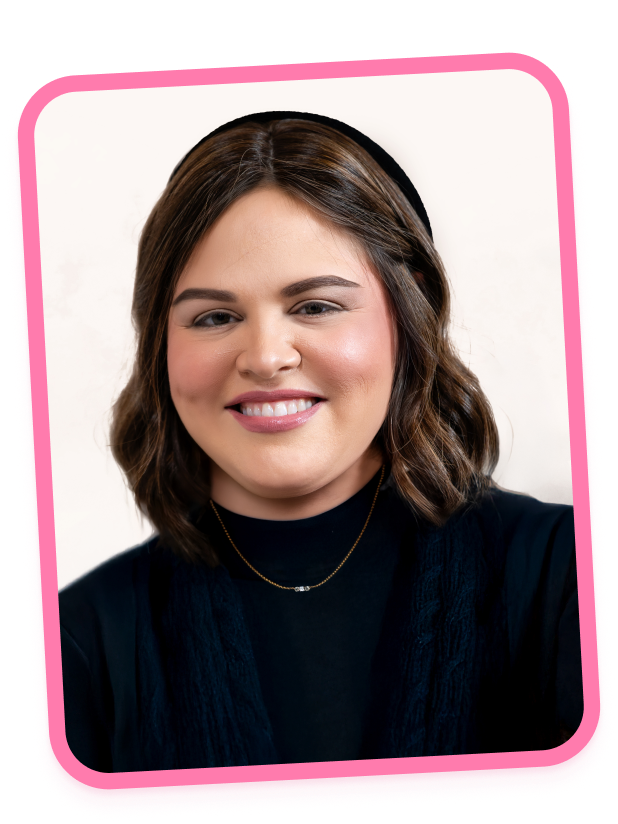
Hi, I’m Baily,

I still remember the first time I opened Adobe InDesign. I was full of ideas, but nothing looked right. I struggled with columns, margins, font sizes, and making a page feel balanced. I felt frustrated, confused, and stuck, wishing someone could just show me exactly what to do.

After 20+ years as a professional graphic designer, and figuring everything out the hard way, I’ve developed an easy-to-follow, easy-to-understand course that has trained over 1,000 grads. I remember the struggles, confusion, and frustration you might feel, which is why I created this course. You can learn the program at your own pace and start creating beautiful pages with confidence.

Step by step, I’ll show you how to turn ideas into polished, professional layouts, how to arrange text and images, and teach all about hierarchy, balance, and contrast, so every page is readable, engaging, and professional.

My hope is that this course empowers creative girls and women like you to navigate the world of design with clarity, confidence, and joy.

For $555, you get an exploding bundle:

Comprehensive video lessons covering the Photoshop essentials.

Access to a supportive community of learners and instructors.

Homework challenges so you practice your skills

Exclusive bonus content to accelerate your progress.

Downloadable resources and practice files.

A 7-day money-back guarantee to ensure complete satisfaction.
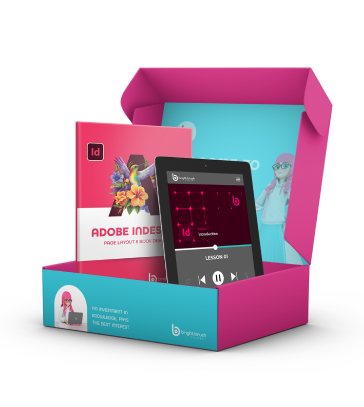

No Internet? No problem.

You CAN learn Illustrator, even without access to internet.

Our Illustrator course is now available offline with our
Course in a Box option.

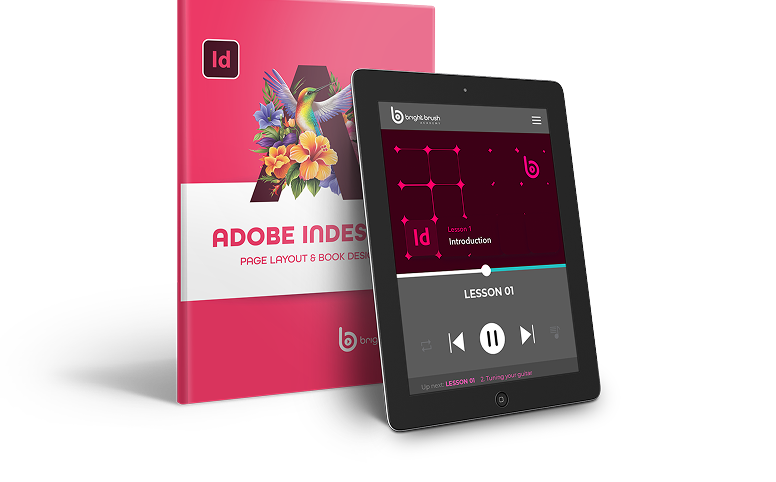
The classes and coursework are preloaded onto an internet-free rental tablet and shipped directly to your door.

More than just a bunch of tips and worksheets. In this course you’ll also get:

Bite-sized
lessons.

Tech programs can be complicated. This course is divided into bite-sized chunks, with simplified explanations so you can follow along easily.

Practice
assignments

Knowledge doesn't make art, practice does.  At the end of each module, you’ll have a take-home challenge to practice your new skill.

Exclusive
community

You’re not doing this yourself! Once you join the course, you’ll be added to a community space online where you can ask questions and get peer support.
Hands-on support and guidance

You don’t just get a new course, you get access to your instructor whenever you need. Reach out with questions or concerns, we’re here to help. 

Transferrable
skills

You’re learning a program that will set you up with whatever design route you take. The skills will come in handy no matter your path.

Learning made interesting

You start boring, techy courses — and then stop. This course is actually fun to work through and interesting to listen to. 
Investment: $555

A 7-day money-back guarantee

No questions asked.  If you feel like it’s not for you, just contact us and you’ll get 100% of your money back.
(Which means you have nothing to lose.)

Your questions, answered

Do I need design experience?

No experience is needed. This course starts from the basics and walks you through everything step by step. Many students begin with no background in design at all.

InDesign is built specifically for page design, while Word is for documents. InDesign gives you control over spacing, alignment, and layout so your pages look clean and professional.

Photoshop and Illustrator are great for images and graphics. InDesign is where everything comes together into complete layouts like flyers, ads, and booklets. It’s what’s used in professional settings.

Yes. The course is designed for beginners and taught in a clear, calm, confidence-building way. Nothing is rushed or assumed.

You’ll design layouts like flyers, ads, newsletters, and multi-page projects. These are designs you can actually use or show.

Most students spend about 4 hours a week and finish in 8–12 weeks. You can move faster or slower depending on your schedule.

Online students get lifetime access. Course in a Box students keep the tablet for six months and also receive complimentary lifetime online access.

Yes. The course is appropriate for teens and adults and is taught in a clear and supportive way.

Yes. InDesign is widely used in schools, offices, and design-related work. The skills taught are practical and applicable in real settings.

Yes. Choose Course in a Box and receive the full course on a tablet, along with a printed booklet and course materials.

You can rent a laptop from us, fully set up and ready to use.

You’ll need access to Adobe InDesign. We’ll guide you through how to get it.

We offer a 7-day money-back guarantee. Try the course risk-free.

Have More Questions?

For $555 you get:

Clear, step-by-step video lessons made for absolute beginners

Real-world projects that help you practice and build confidence

Downloadable resources and files to follow along

Jewish-specific design examples and projects

Supportive community of fellow learners

Lifetime access so you can revisit lessons anytime

7-day money-back guarantee for complete peace of mind

Ready to create pages that look as good as your ideas?

Stop struggling with layouts. Start designing with confidence.

A 7-day money-back guarantee

No questions asked.  If you feel like it’s not for you, just contact us and you’ll get 100% of your money back.
(Which means you have nothing to lose.)

Want $0.00 access to a fun, fast-paced lesson?