





1. InDesign Essentials
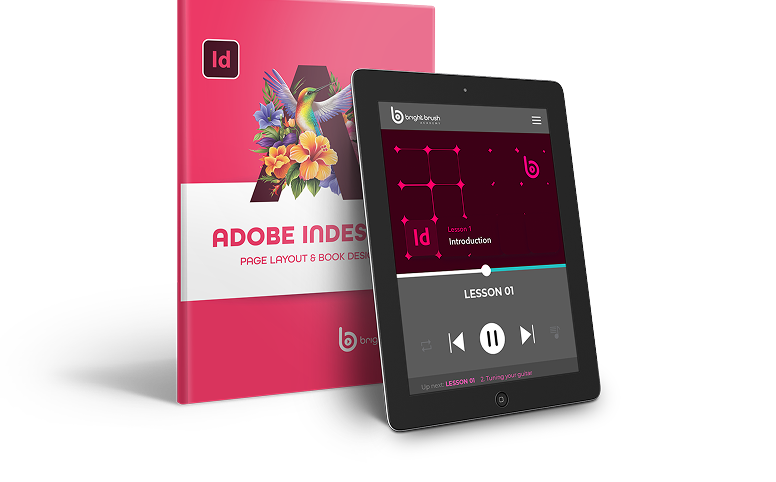
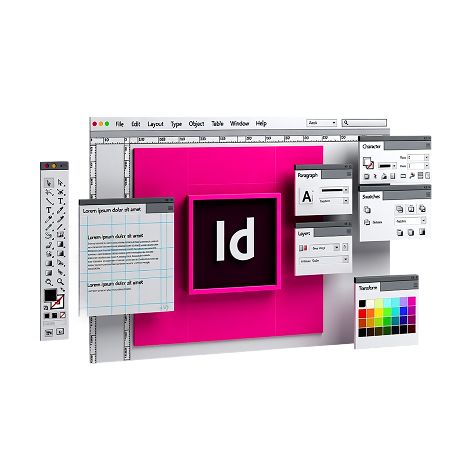
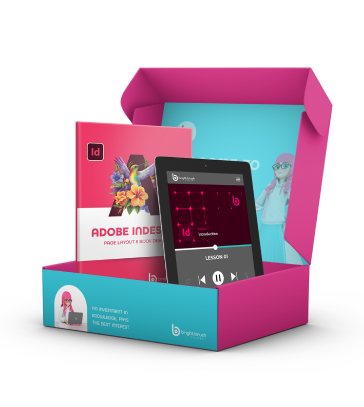
In part one of the course, you’ll learn how to use Adobe InDesign comfortably, from setting up documents to creating ads, book covers, and more.
2. Practical Design Theory and Tips
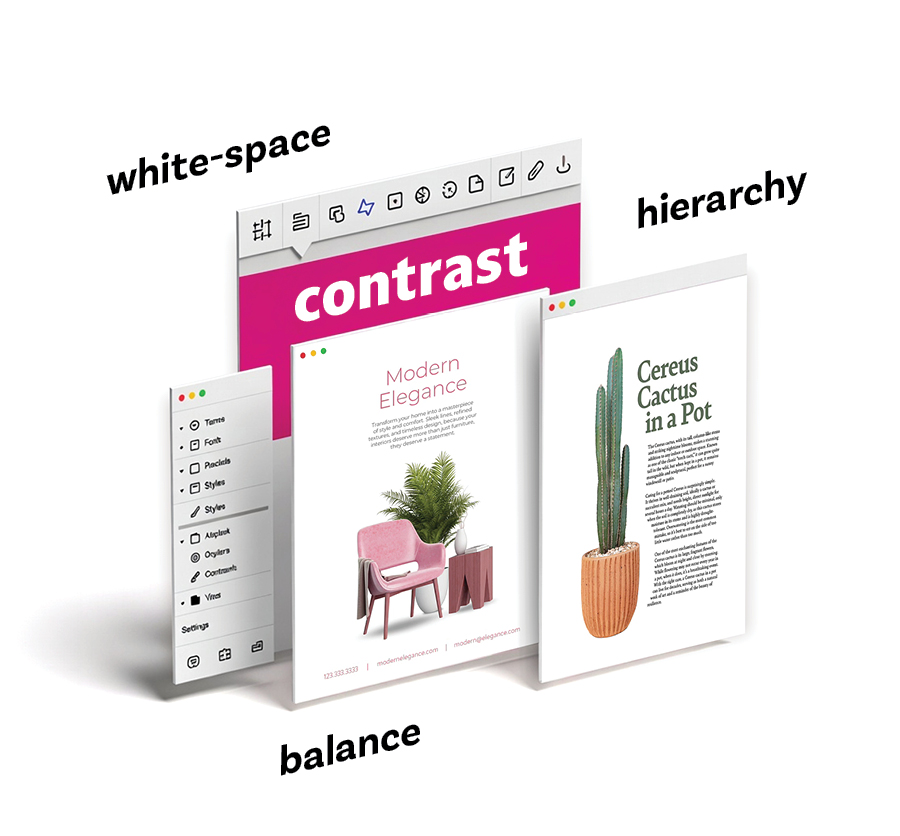
In part two of the course, you’ll train your eye to see what makes layouts work, including spacing, hierarchy, and balance, so your pages look clean, readable, and professional.
3. Real-World Projects
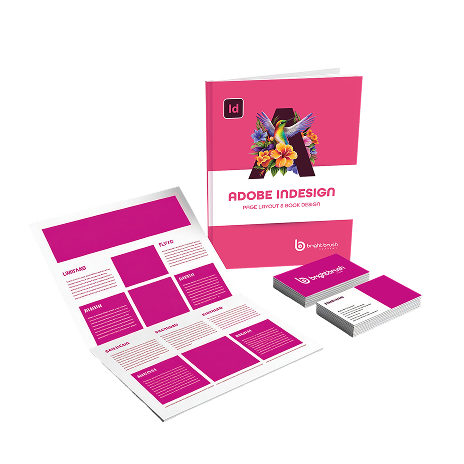
In part three of the course, you’ll put everything together by working on real projects like flyers and multi-page books, building the skills to create polished, professional designs.

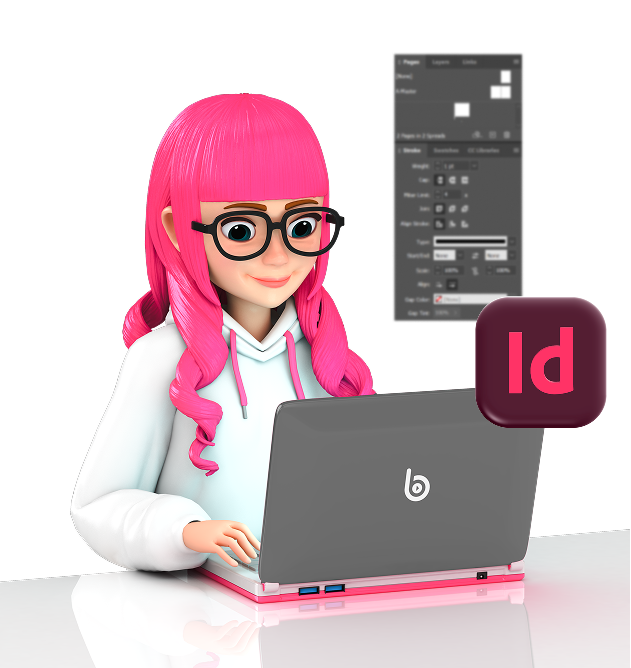

6 in-depth lessons (12+ hours of video)
Step-by-step instruction that takes you from beginner to confident, covering both InDesign and page layout fundamentals.
Real-world
projects
Create flyers, ads, and multi-page booklets so you’re not just watching, you’re building work you’ll be proud to print and share.
All course
files included
Get the exact files and resources used in the lessons so you can follow along and practice hands-on.

Learn at your
own pace
Watch anytime, revisit lessons whenever you need a refresher, and get support when you’re stuck.

Student
community
Ask questions, share your work, and get feedback from instructors and fellow students.

Practice Assignments After Every Lesson
Practice what you learn right away with step-by-step assignment so you can apply the skills, build confidence, and create real projects right away.

Comprehensive video lessons covering the Photoshop essentials.

Access to a supportive community of learners and instructors.

Homework challenges so you practice your skills

Exclusive bonus content to accelerate your progress.

Downloadable resources and practice files.

A 7-day money-back guarantee to ensure complete satisfaction.

Bite-sized
lessons.
Tech programs can be complicated. This course is divided into bite-sized chunks, with simplified explanations so you can follow along easily.

Practice
assignments
Knowledge doesn't make art, practice does. At the end of each module, you’ll have a take-home challenge to practice your new skill.
Exclusive
community
You’re not doing this yourself! Once you join the course, you’ll be added to a community space online where you can ask questions and get peer support.
Hands-on support and guidance
You don’t just get a new course, you get access to your instructor whenever you need. Reach out with questions or concerns, we’re here to help.
Transferrable
skills
You’re learning a program that will set you up with whatever design route you take. The skills will come in handy no matter your path.

Learning made interesting
You start boring, techy courses — and then stop. This course is actually fun to work through and interesting to listen to.